Xterm Webgl Canvas Tainted
What Happened
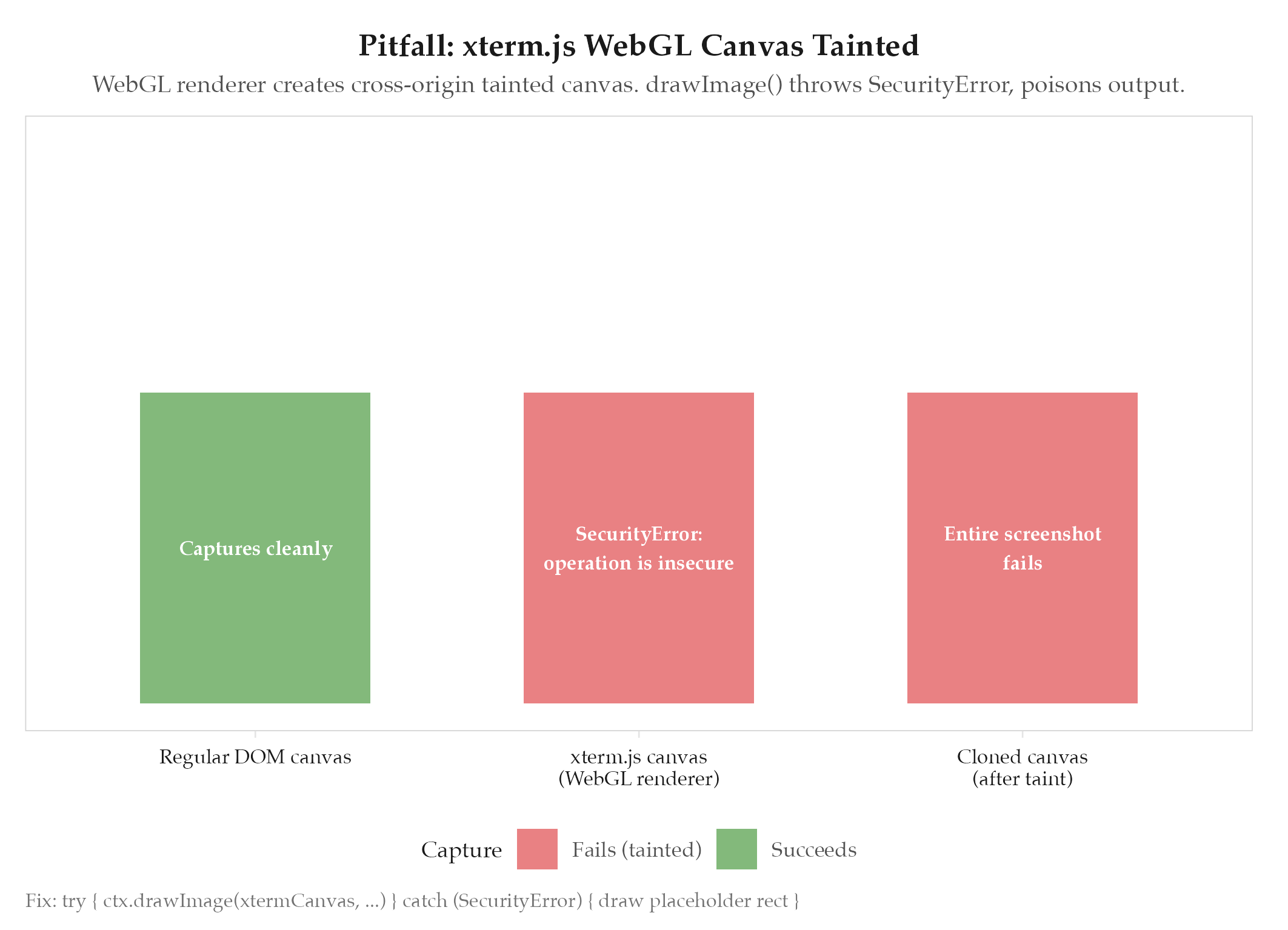
The Dakka screenshot pipeline failed entirely whenever a terminal panel was visible. xterm.js with the WebGL renderer created a cross-origin tainted canvas. When html2canvas called drawImage() from the xterm canvas, the browser threw SecurityError: The operation is insecure. One tainted canvas poisoned the entire screenshot: nothing captured, no partial output.
Root Cause
See definitions/root-cause-analysis for the analytical framework. Specific cause: the WebGL renderer in xterm.js loads glyph textures in a way the browser marks as cross-origin, even when everything is running locally. Once a canvas is tainted, any read operation (drawImage, toDataURL, getImageData) on it or any canvas it touches is blocked by the same-origin policy. This is a browser security invariant: there is no way to “untaint” a canvas programmatically.
How to Avoid
Wrap the drawImage call in a try/catch. On SecurityError, fall back to rendering a solid placeholder rectangle with the terminal’s background color and a label like “[terminal: WebGL canvas not capturable]”. This keeps the rest of the screenshot intact and makes the failure visible without crashing the capture pipeline.
try {
  ctx.drawImage(xtermCanvas, x, y);
} catch (e) {
  if (e instanceof DOMException && e.name === 'SecurityError') {
    ctx.fillStyle = '#1e1e1e';
    ctx.fillRect(x, y, width, height);
    ctx.fillStyle = '#666';
    ctx.fillText('[terminal: WebGL canvas not capturable]', x + 10, y + 20);
  }
}
This affects any terminal emulator using WebGL in an Electron or browser context, not just xterm.js.
Related
- projects/dakka/_index: parent project
- html2canvas-live-dom-mutation: companion RENDER pitfall: both concern html2canvas capture limitations