Vercel Deploy Not Git Sync
What Happened
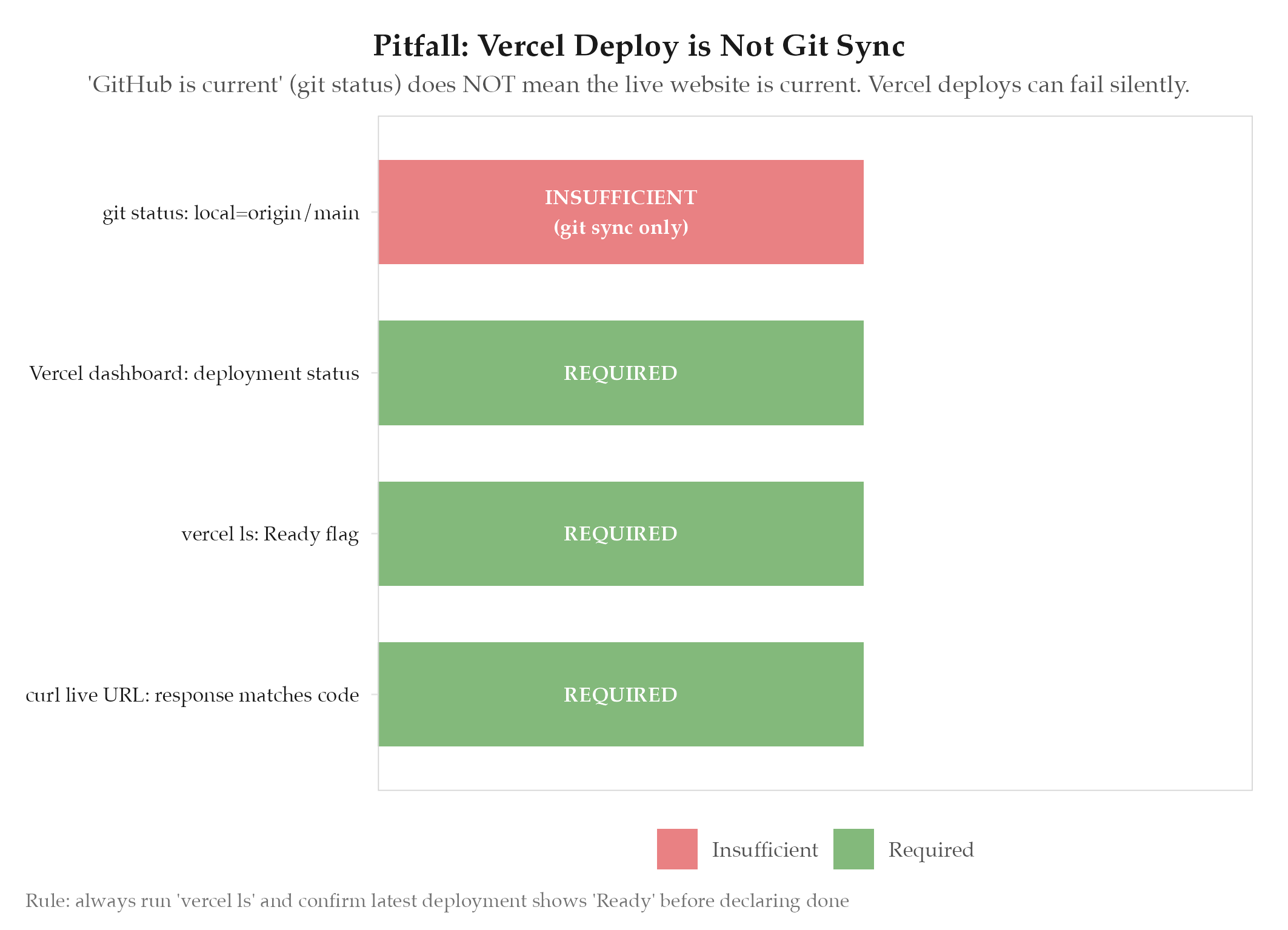
On 2026-03-29, we reported “GitHub is current” based on git status showing local in sync with origin/main. The live website was stale: Vercel deployments had been failing silently for multiple pushes. A deploy.yml CI workflow had been created that referenced secrets which were never set, producing silent deploy failures. Git sync and live deployment are not the same thing.
Root Cause
git status confirms that local commits match what is on GitHub. It says nothing about whether those commits triggered a successful Vercel deployment. Vercel uses its own native git integration: when a deploy fails, it logs the failure in the Vercel dashboard but does not surface it in git, GitHub, or the terminal. The broken deploy.yml created extra confusion: it referenced secrets that did not exist, causing GitHub Actions to fail, which was not the Vercel deploy path anyway.
How to Avoid
- Run
vercel lsafter every push and confirm the latest deployment shows● Ready(not● Error) - Never create CI/CD workflows that reference secrets without first confirming the secrets are set in the target environment
- After any deploy workflow or infrastructure change, verify end-to-end: open the live URL and confirm the change is visible
- “Current” means the live website reflects the latest code: not just that git is synced
Related
- projects/jobs-apply/_index: parent project
- saas-launch-status
- jobs-apply