13 repos linked via symlinks turn the vault into a continuously live view
2026-03-30
Signal
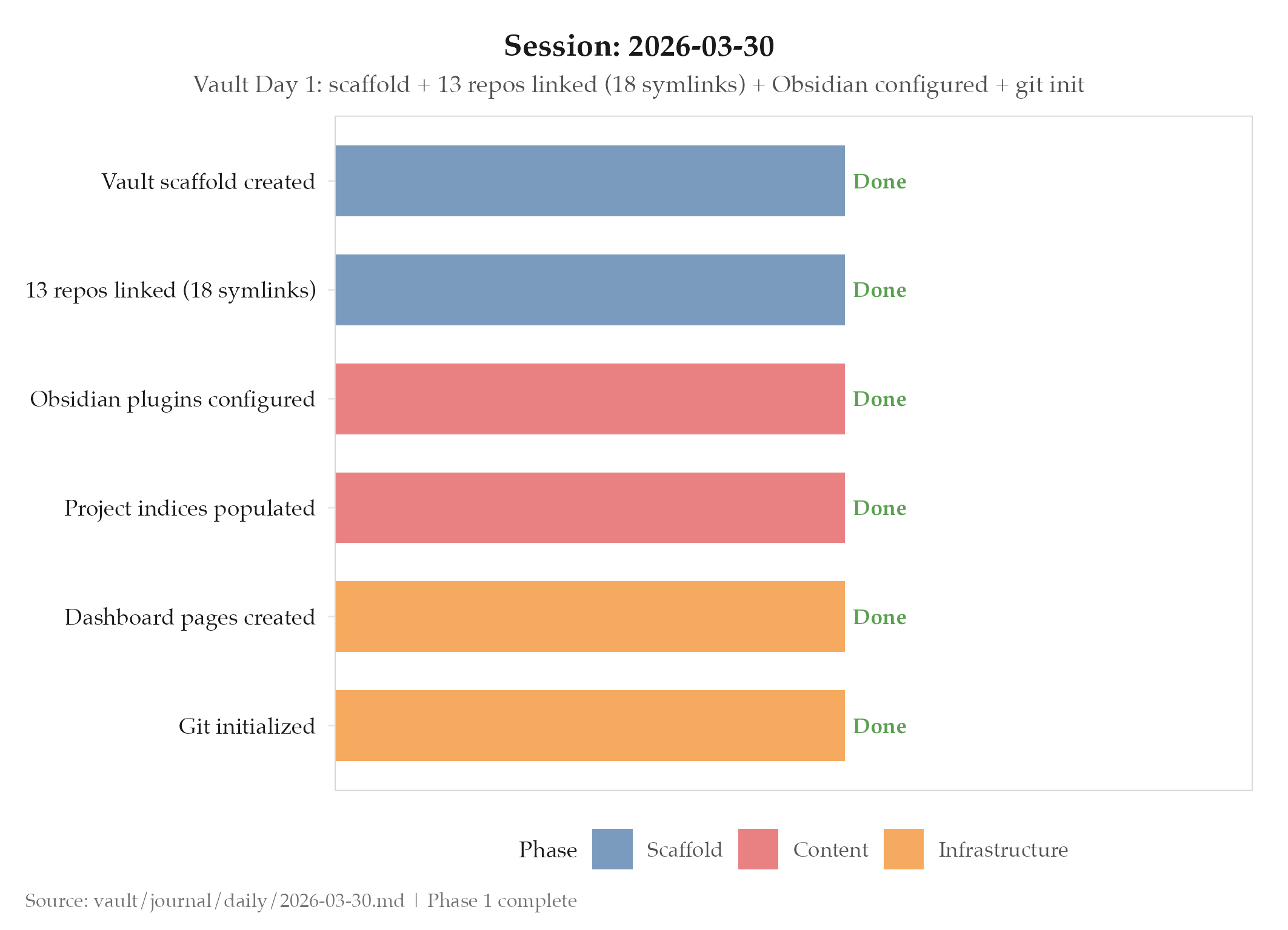
Linking 13 active repositories to a single vault via symlinks: rather than copying files or managing separate note systems: means every project’s documentation stays in sync with its source automatically, turning the vault from a periodic snapshot into a continuously live view.
Evidence
- Architecture decision: Symlinked sibling architecture: vault lives alongside repos, not inside them; 18 symlinks created, all healthy after setup
- Setup scope: vault-bootstrap script; 13 repos linked; Obsidian configured with 6 plugins (Dataview, Templater, Periodic Notes, Calendar, Git, Linter)
- Content: All project
_index.mdpopulated with real descriptions (not placeholders); dashboard pages created for cross-project Dataview queries; Git initialized for vault version control - Phase 1 complete: Vault scaffold, plugin configuration, project index population, dashboard setup: all done in one session
So What (Why Should You Care)
The symlinked architecture solves a documentation decay problem that every engineering team eventually hits: documentation gets out of sync with source because it lives in a separate system with a separate update cycle. When docs live in a wiki, someone has to remember to update them. When docs are symlinked from the project directory, they update automatically: because they are the project files.
By symlinking project directories into the vault, Obsidian reads the actual files in the project directories. When a project README changes, the vault reflects that change on the next open. There’s no sync step, no copy step, no “update the docs” task. The 18 symlinks today aren’t just an Obsidian configuration detail: they’re the architectural decision that determines whether this vault stays relevant six months from now or becomes a historical artifact.
The choice to populate all _index.md files with real descriptions on day one (rather than placeholder text) is the same principle applied to content: start with truth rather than gradually migrating from fiction to truth. Placeholder content creates a false sense of completeness and builds a habit of low-quality entries that’s hard to break later.
Day one of vault operations. The infrastructure is live. The content is real. The links are valid.
The Dataview, Templater, Periodic Notes, Calendar, Git, and Linter plugin configuration is also worth noting as an intentional selection rather than a default install. Dataview enables SQL-like queries across note frontmatter: “show me all experiments in the internal audit pipeline project from the last 30 days.” Templater provides programmable templates for consistent frontmatter structure. Periodic Notes creates daily, weekly, and monthly journal entries from templates. Calendar provides a visual date navigator. Git tracks vault history. Linter enforces markdown formatting consistency. Together they form an opinionated knowledge management stack, not just a collection of plugins.
The decision to populate all _index.md files with real descriptions on day one: not placeholder text: deserves emphasis. Placeholder text (“TODO: describe this project”) creates a false sense of completeness and makes the vault look populated before it’s populated. It also builds a habit of accepting low-quality entries, which is the hardest habit to break later. Starting with truth (actual project descriptions from existing documentation) creates the baseline quality bar that new entries are expected to meet.
Git initialization for vault version control enables a workflow that most knowledge management systems don’t support: the ability to see exactly what changed, when, and why. Every vault edit becomes part of a versioned history. If a note gets corrupted, the last known-good version is in git. If a series of notes were accidentally deleted, the commit history shows what was there. Version control is infrastructure for the vault just as it is for code.
What’s Next
- Complete vault Phase 2-5: migrate legacy notes, build knowledge graph, seed experiments from real project data
- Backfill existing project documentation into vault format
- Validate all 18 symlinks resolve correctly under Obsidian’s file resolution
Log
- Vault scaffold created with vault-bootstrap script
- 13 repos linked (18 symlinks, all healthy)
- Obsidian configured: Dataview, Templater, Periodic Notes, Calendar, Git, Linter
- All project
_index.mdpopulated with real descriptions: no placeholders - Dashboard pages created for cross-project Dataview queries
- Git initialized for vault version control
- Architecture spec finalized: symlinked sibling architecture
Notes
First day of vault operations. Architecture spec finalized. Phase 1 complete.